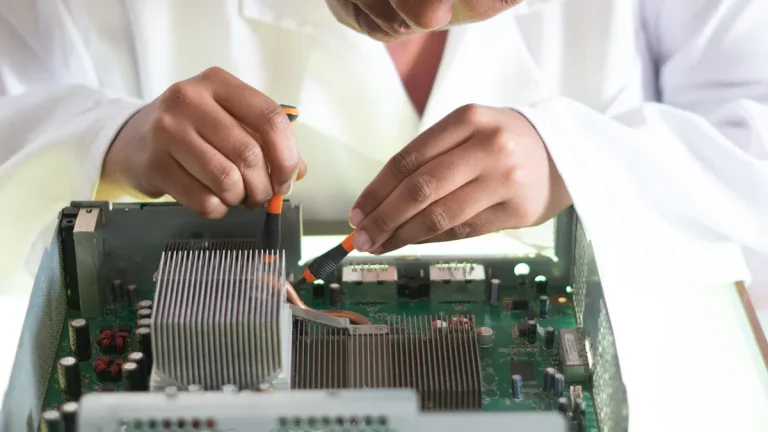
You need to understand the difference between a printed circuit board (PCB) and a printed circuit board assembly (PCBA) to make informed decisions in electronics manufacturing. A PCB is a bare board made of insulating substrates and copper traces, serving as the foundation for electronic circuits. A PCBA is a populated board, which means skilled technicians or automated machines have mounted and soldered all electronic components onto the PCB. This distinction is essential for aligning your design process with manufacturability and reliability standards.
- The global market for printed circuit boards and assemblies is expected to reach $145 billion by 2032, showing strong growth.
- A PCB is an empty board, while a PCBA includes all components and functions as a complete unit.
PCB vs. PCBA: Mastering the Essentials for Seamless Electronics Manufacturing
- A PCB is a bare board without components, while a PCBA is a fully assembled board with all necessary electronic parts.
- Understanding the difference between PCB and PCBA helps you make informed decisions in electronics manufacturing.
- Choose a PCB for prototyping and flexibility; select a PCBA for ready-to-use solutions with full functionality.
- The manufacturing process for PCB involves design and etching, while PCBA includes component placement and soldering.
- Specify whether you need a PCB or PCBA when ordering to avoid cost and lead time issues.
PCB and PCBA Definitions
PCB (Printed Circuit Board)
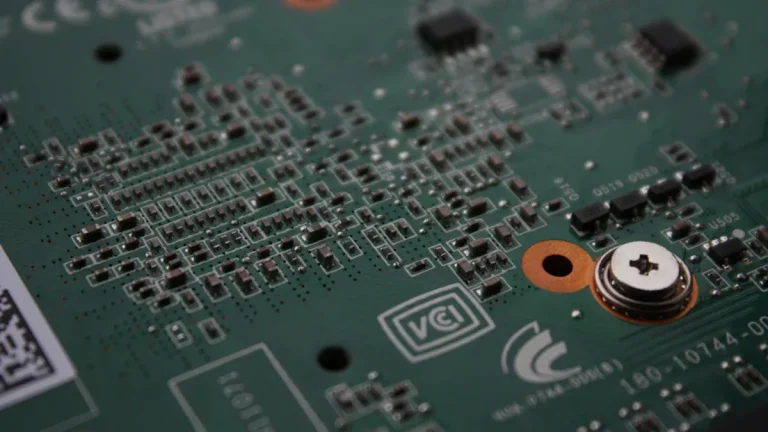
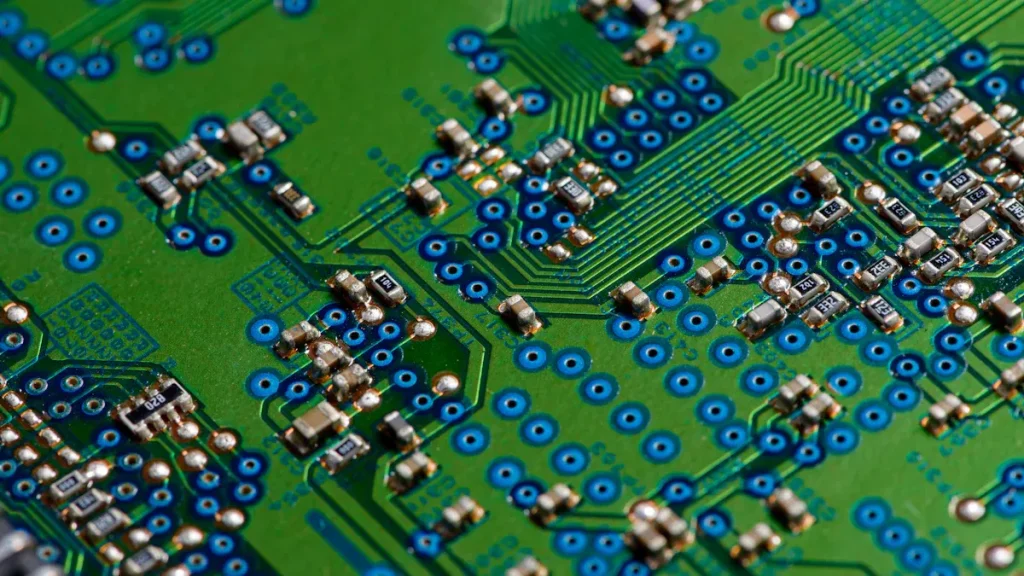
You encounter the printed circuit board as the foundation of every electronic device. A PCB consists of a non-conductive substrate, usually fibreglass, with copper traces that create pathways for electrical signals. You do not see any components on a bare PCB. The board itself contains several layers, each serving a specific function:
- Core: The main substrate is laminated with copper.
- Copper Foil: The layer where circuit designs are etched.
- Signal Plane: Carries signals between components.
- Power Plane: Distributes voltage across the board.
- Ground Plane: Provides a stable reference for currents.
- Prepreg: Insulates and binds layers together.
- Routing Layer: Routes electrical connections.
- Copper Pour: Enhances conductivity in specific areas.
A PCB remains non-functional until you add components.
PCBA (Printed Circuit Board Assembly)
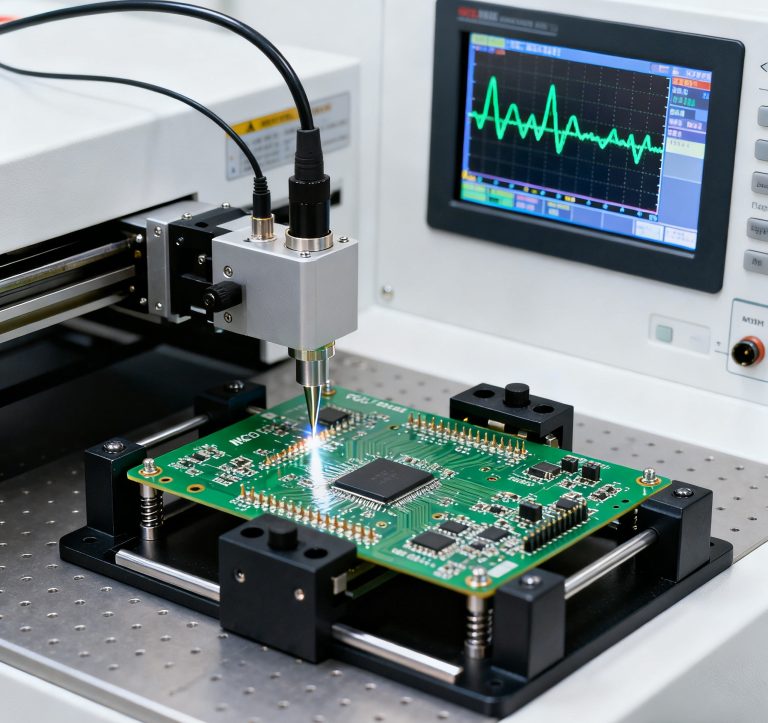
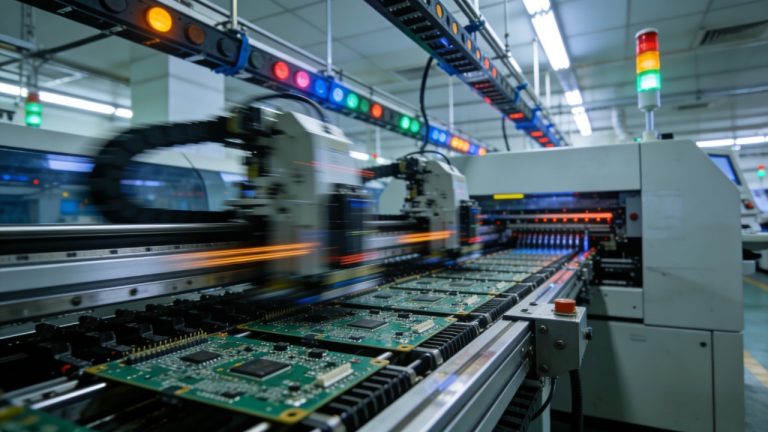
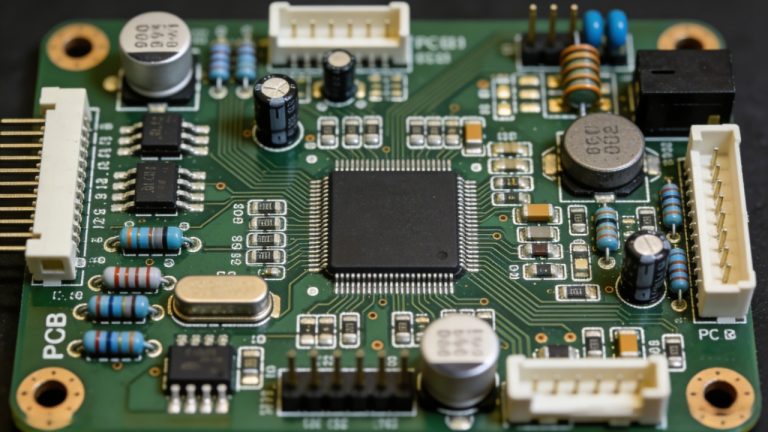
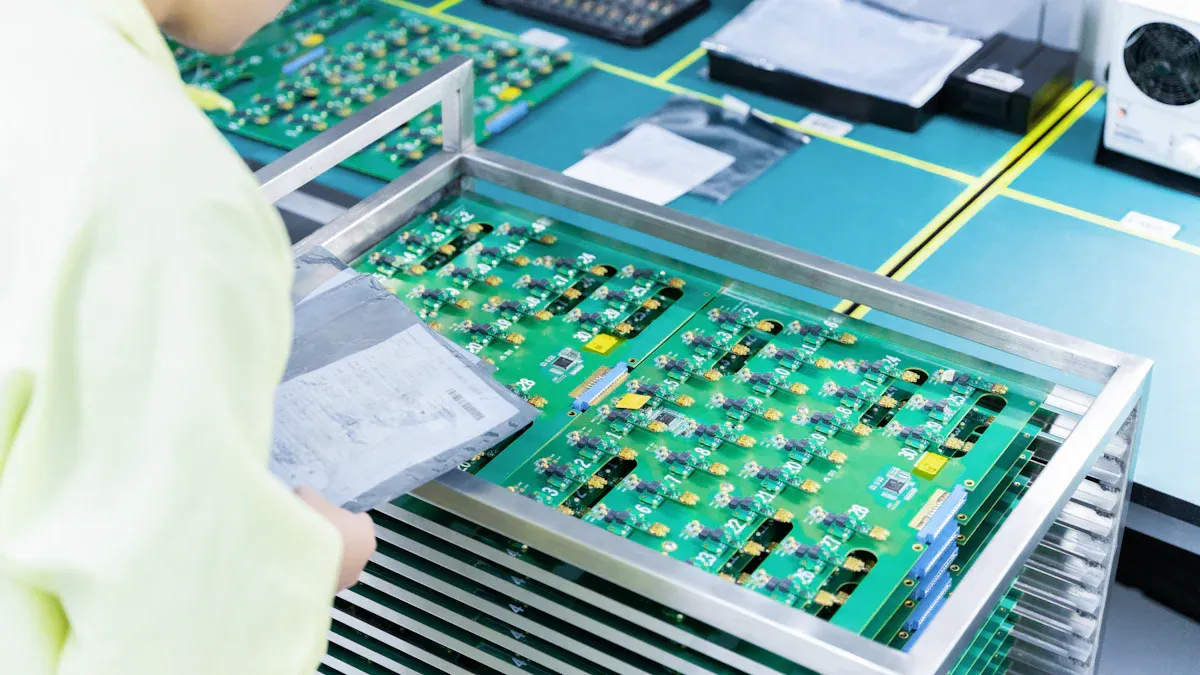
When you move from a bare PCB to a fully operational device, you create a printed circuit board assembly. In a PCBA, you or automated machines mount and solder all necessary electronic components—such as resistors, capacitors, and integrated circuits—onto the PCB. The assembly process involves several steps:
- Heating the board to melt the solder paste.
- Cooling to solidify connections.
- Inspecting and testing for defects.
- Inserting through-hole components.
- Cleaning to remove residues.
- Final assembly and integration.
- Functional testing and validation.
- Packaging for shipment.
A PCBA transforms the blank board into a functional unit ready for integration into electronic products.
PCB vs. PCBA Comparison Table
| Aspect | PCB | PCBA |
|---|---|---|
| Definition | A blank circuit board without components | A complete board with all components |
| Components | None | Includes all necessary electronic parts |
| Manufacturing Steps | Substrate preparation, copper etching, layering | Component placement, soldering, inspection, testing |
| Final State | Non-functional bare board | Fully functional electronic assembly |
Tip: You should always specify whether you need a pcb or a pcba when ordering, as the requirements and costs differ significantly.
PCB vs. PCBA Differences
Assembly State and Components
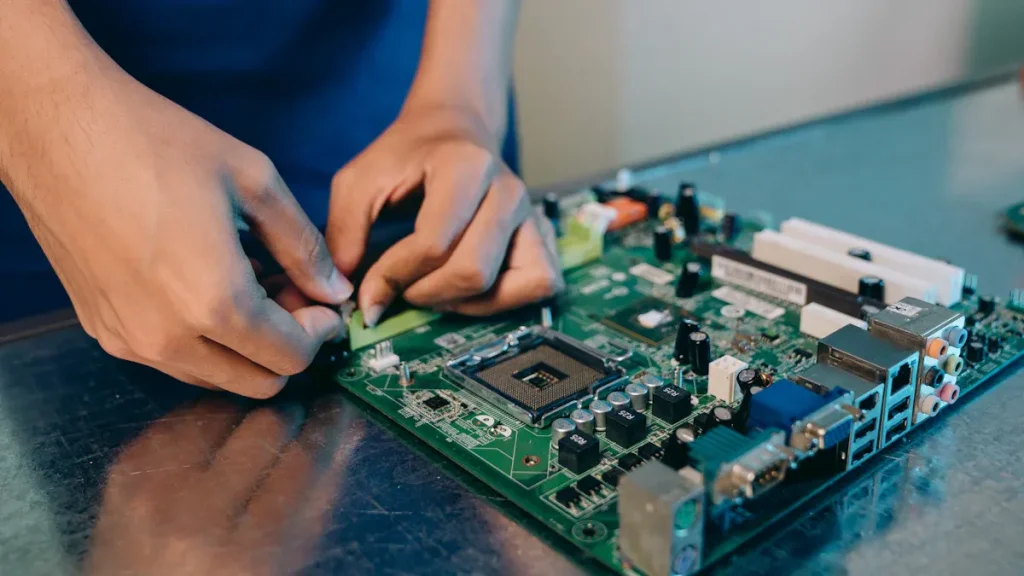
You need to distinguish between the assembly state and included components when comparing a PCB and a PCBA. A PCB serves as a bare board, consisting only of substrates and copper traces. You will not find any electronic components on this circuit board. In contrast, a PCBA represents a fully assembled or populated board. Here, you see resistors, capacitors, integrated circuits, and other parts soldered onto the PCB, transforming it into a functional unit.
| Aspect | PCB | PCBA |
|---|---|---|
| Assembly State | Bare circuit board | Fully assembled board |
| Included Components | None | Various electronic components |
- pcb: A bare circuit board without any components.
- PCBA: A fully assembled board that includes various electronic components.
Note: You must specify whether you require a bare pcb or a complete pcba when ordering, as this impacts both cost and lead time.
Manufacturing Process Overview
The PCB manufacturing process and assembly steps differ significantly. You start with PCB fabrication, which involves designing the layout, selecting materials, preparing the substrate, and etching copper traces. This process creates the physical structure of the circuit board.
Once you have a finished PCB, you move to circuit board assembly. This stage includes component procurement, applying solder paste, placing components, soldering, and performing PCB testing. You ensure the final PCBAs meet quality standards through inspection and functional validation.
| PCB Fabrication Steps | PCB Assembly Steps |
|---|---|
| Designing | Component Procurement |
| Material Selection | Solder Paste Application |
| Substrate Preparation | Component Placement |
| Copper Cladding | Soldering |
| Photoengraving | Inspection and Testing |
| Etching | |
| Drilling |
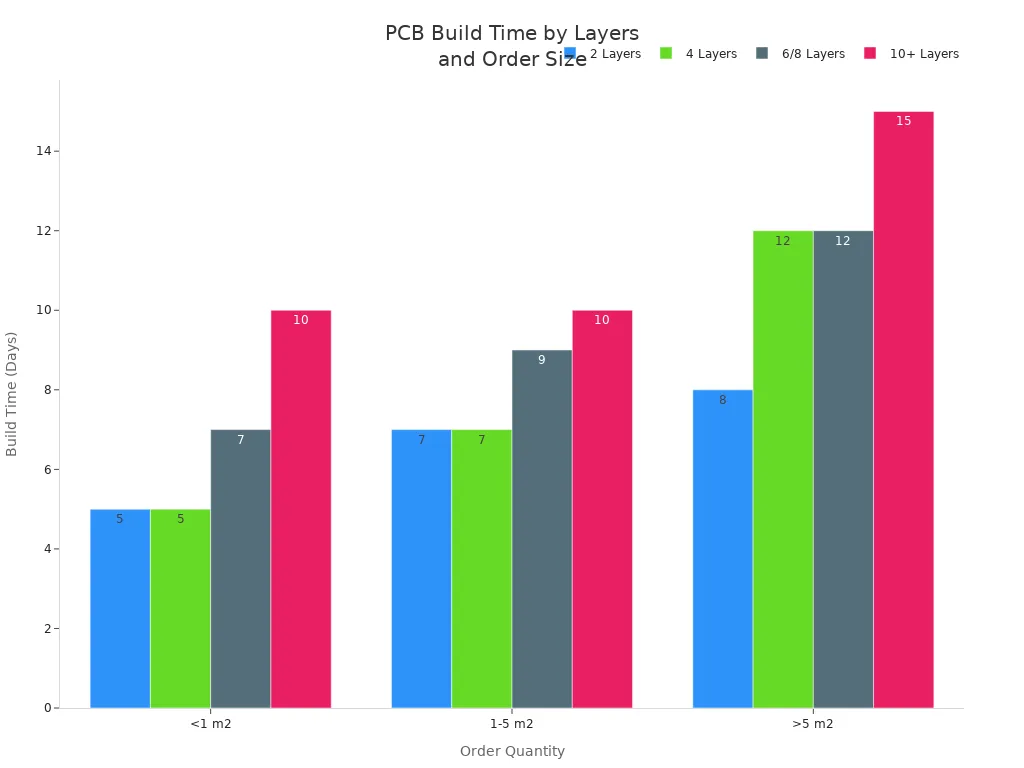
You should note that PCB fabrication typically takes 5 to 15 days, depending on the number of layers and order size. PCBA assembly requires additional time due to component placement, soldering, and testing.
SMT and THT in PCBA
In the PCBA process, you rely on two main assembly technologies: Surface Mount Technology (SMT) and Through-Hole Technology (THT).
- SMT allows you to mount components directly onto the surface of the PCB substrate. This method supports compact designs, higher component density, and faster automated assembly. SMT enables you to place components on both sides of the circuit board, making it the backbone of modern electronics.
- THT involves inserting component leads through holes in the bare board and soldering them on the opposite side. You use THT for applications that demand superior mechanical strength and durability, such as industrial controls or defence systems.
| Technology | Advantages | Disadvantages |
|---|---|---|
| THT | – High reliability and durability under stress. |
- Strong mechanical bonds for heavy components.
- Easier to prototype and rework manually. | – Higher cost, especially for large-scale production.
- Lower component density, leading to larger boards.
- Slower assembly process due to manual labour. | | SMT | – Lower cost for high-volume production.
- Higher component density for compact designs.
- Faster assembly with automated processes. | – Less reliable under extreme mechanical or thermal stress.
- Harder to rework or repair manually.
- Requires precise design and manufacturing for optimal results. |
You choose SMT for consumer electronics, telecommunications, and automotive products where space and speed matter. You select THT for medical devices, aerospace, and other high-reliability applications.
Cost and Functionality
You must consider cost and functionality when deciding between a PCBA and a PCBA. A PCBA has a lower initial cost because it only includes the bare board. A PCBAs includes the cost of components, assembly, soldering, testing, and quality control, making it more expensive but ready for immediate use.
| Cost Component | PCB Cost | PCBA Cost |
|---|---|---|
| PCB Manufacturing | Varies | Included |
| Components Procurement | N/A | >70% of total |
| Assembly Process | N/A | Included |
| Fixture and Engineering Fees | N/A | Included |
| Testing Costs | N/A | Included |
| Conformal Coating and IC Programming | N/A | Included |
| Feature | Bare PCB | Fully Assembled PCBA |
|---|---|---|
| Functionality | Non-functional until assembled | Ready-to-use and functional |
| Assembly Requirements | Requires assembly expertise and equipment | Tested and reliable, reducing assembly risk |
| Cost | Lower initial cost | Higher initial cost due to components and assembly |
| Flexibility | More flexible for modifications | Less flexible for modifications after assembly |
Tip: You gain flexibility and lower costs with a bare pcb during the design phase. You achieve full functionality and reliability with a pcba, which is essential for final product integration.
You also need to factor in supply chain challenges, such as material shortages and shipping delays, which can impact both PCB and PCBAs costs and lead times. The choice between a PCB and a PCBA depends on your project stage, budget, and performance requirements.
PCB and PCBA Relationship
How PCB Becomes PCBA
You start with a PCB, which acts as the foundation for your electronic device. This bare board contains only substrates and copper traces. To transform it into a functional unit, you move through a series of assembly steps that turn the PCB into a PCBA—a fully populated board ready for use. Think of the PCB as an empty city grid and the PCBA as a bustling, operational city.
| Stage | Description |
|---|---|
| PCB Fabrication | The initial stage, where the bare printed circuit board is created. |
| PCBA Assembly | Components are assembled onto the PCBA, transforming it into a functional circuit. |
The process involves several key steps:
- Design and pre-production checks
- Solder paste application (for SMT)
- Component placement (SMT and THT)
- Soldering (reflow for SMT, wave or manual for THT)
- Inspection and testing
- Final assembly and packaging
A PCB without components cannot function. The assembly process is crucial for creating an operational PCBA.
When to Use PCB or PCBA
You should choose a PCB when you need to prototype, test, or develop simple circuits. This option gives you flexibility for design changes and cost savings during early development. For complex designs or when you require a ready-to-use solution, you need a PCBA. The populated board offers full functionality and reliability, which is essential for final products.
- A PCB works best for simple designs or when you want to experiment.
- A PCBA is necessary for advanced devices with many components or high-frequency signals.
Project timelines depend on your choice. Component availability, production capacity, and design complexity can affect how quickly you move from PCB to PCBAs. Comprehensive testing and quality assurance may extend the timeline, but ensure product reliability.
Tip: If you want to avoid delays and quality issues, partner with a trusted provider like Sanshun Smart. They offer one-stop pcba services, strict quality control, and precision at every stage.
Applications of PCBA
You find PCBAs in almost every modern electronic device. Their applications span multiple industries:
| Sector | Applications |
|---|---|
| Consumer Electronics | Smartphones, tablets, laptops, desktops, wearable devices, and home appliances |
| Automotive | Engine control units, infotainment systems, ADAS, and electric vehicles |
| Industrial Equipment | Programmable logic controllers, motor drives, sensors, robotics systems |
A PCBA delivers the reliability and performance you need for demanding environments, whether you build consumer gadgets, automotive systems, or industrial controls.
You must understand the core differences between PCB and PCBA to make informed decisions in electronics manufacturing.
| Aspect | PCB (Bare Board) | PCBA (Populated Board) |
|---|---|---|
| Definition | Board with conductive traces | PCB with components attached |
| Manufacturing | Design, etching, drilling | Stencil printing, placement, and soldering |
| Cost | Less expensive | More costly due to assembly |
| Assembly Techniques | No components mounted | SMT, THT, and BGA assembly are possible |
Selecting the right solution depends on your project’s complexity, environment, and functional requirements. You ensure performance and reliability by matching your needs with the correct board type.
For expert guidance and a free PCBA quote, contact Sanshun Smart today.
FAQ
What is the main difference between a PCB and a PCBA?
A PCB is a bare board with only substrates and copper traces. A PCBA is a populated board with all components soldered in place, ready for use in electronic devices.
Can you reuse a PCB after removing components?
You can reuse a bare board if you remove components carefully and clean the solder pads. However, repeated soldering and desoldering may damage the copper traces or substrates.
Why do you need both SMT and THT in PCBA assembly?
You use SMT for small, lightweight components and high-density layouts. You choose THT for parts that require strong mechanical bonds, such as connectors or large capacitors.
How do you choose between ordering a PCB or a PCBA?
You order a PCB for prototyping or custom modifications. You select a PCBA when you need a fully assembled, tested, and functional board for integration into your product.